
Turn one product photo into launch-ready product visuals.
No retouching marathon required. MoeArc turns one clean product photo into visuals for product pages, paid social, email, and marketplace updates.

1
approved product photo as the starting point
4
common commerce ratios and channel outputs
6
channels covered from one product photo
Built for the work between one product photo and a finished launch.
Reusable product context
Keep the source product and launch direction together for future work.
Channel-aware generation
Plan outputs for product pages, paid ads, social, email, and marketplaces.
Review before export
Compare, shortlist, and download only the outputs worth shipping.
Turn one product photo into multiple marketing assets with AI
Start with one approved product photo, then adapt it for the channels your launch actually needs.
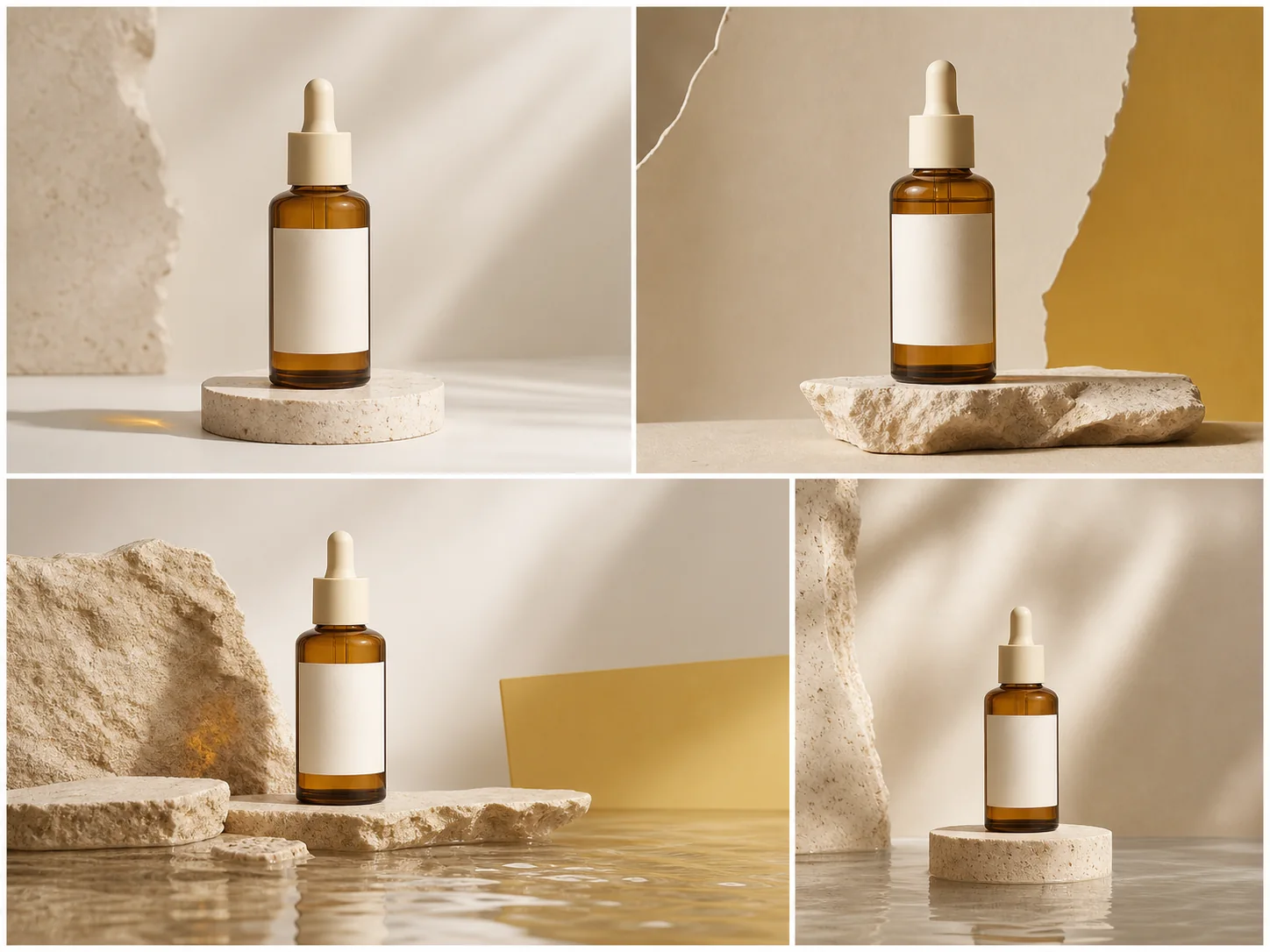

Generate product scenes in batches while keeping the campaign consistent
As your catalog and channels grow, content demand grows with them. MoeArc keeps one product story consistent while you create more formats and scenes.
Batch variations that still feel connected
Create related scenes that feel like one campaign instead of a set of unrelated tests.
Move from hero image to channel kit
Keep the art direction and adapt the framing, ratio, and backdrop for each marketing channel.
Review before exporting
Compare results, shortlist the strongest options, and export only the assets you want to use.
Launch-ready scene directions you can start from
Start from a close visual direction, then tune it for your product line, seasonal launch, or paid ad request.
Warm-water launch scene
An editorial beauty direction with reflective water and warm stone.

Bold geometric studio
A yellow and charcoal studio direction for confident campaign crops.

Natural wellness portrait
Soft daylight, travertine, and botanical texture for calm product stories.

Collection story
A coordinated product family arranged as one launch composition.

Packshot to campaign
A clear visual study of a source image becoming an art-directed scene.
Batch campaign variations
A connected set of scene directions for testing and review.
Examples across launch visuals and channel kits
The same flow can support hero product scenes, performance ads, batch variants, and review-ready outputs.
Editorial hero campaign
Launch direction
Cross-channel format set
Channel adaptation
Batch variation study
Review set
Collection composition
Product family
Packshot refinement study
Art direction
Bold studio template
Campaign template
Simple plans for teams learning fast and shipping faster
Start with a lightweight visual direction, then scale into batch generation as launches and product variants multiply.
Free
$0
20 credits / month
Best for validating the flow with standard generation before you scale real campaign volume.
Standard quality mode
1 credit per image
Basic exports
Standard
Popular$15.99/mo
200 credits / month
For weekly launch work that needs more output and access to premium generation.
Standard + premium quality modes
Standard: 1 credit / image
Premium: 2 credits / image
Pro
$29.99/mo
500 credits / month
Built for heavier premium usage, broader launch calendars, and larger monthly output targets.
Standard + premium tiers
500 monthly credits
More room for premium generation
See how a clear brief moves through the MoeArc workflow
These fictional briefs explain inputs, target channels, intended outputs, and limits. They are examples, not customer stories.
Illustrative workflow
Skincare launch refresh
Illustrative small-brand brief · Product page + paid social + email
Input
One approved fictional serum packshot
Intended output
A coordinated first-pass launch set in several ratios
Scope
Example workflow only. Final quality depends on the source image, direction, and human review.
Illustrative workflow
Collection variation study
Illustrative content-operations brief · Launch announcement + social
Input
One fictional collection and one visual direction
Intended output
Several connected scenes for review and testing
Scope
Example workflow only. It is not a customer result or measured outcome.
Illustrative workflow
Cross-channel adaptation
Illustrative growth-team brief · Product page + ads + marketplace
Input
One fictional hero product image
Intended output
Square, portrait, landscape, and vertical-social crops
Scope
Example workflow only. Channel requirements still need human review before publishing.
Build the first visual set for your next launch inside MoeArc.
Start with one approved product photo, map the channels you need, and build a set of visuals with much less production friction.