
A simple flow for turning one product photo into a full launch set
MoeArc is designed for teams that need to move quickly from one product photo to many channel-ready assets without recreating every scene manually.
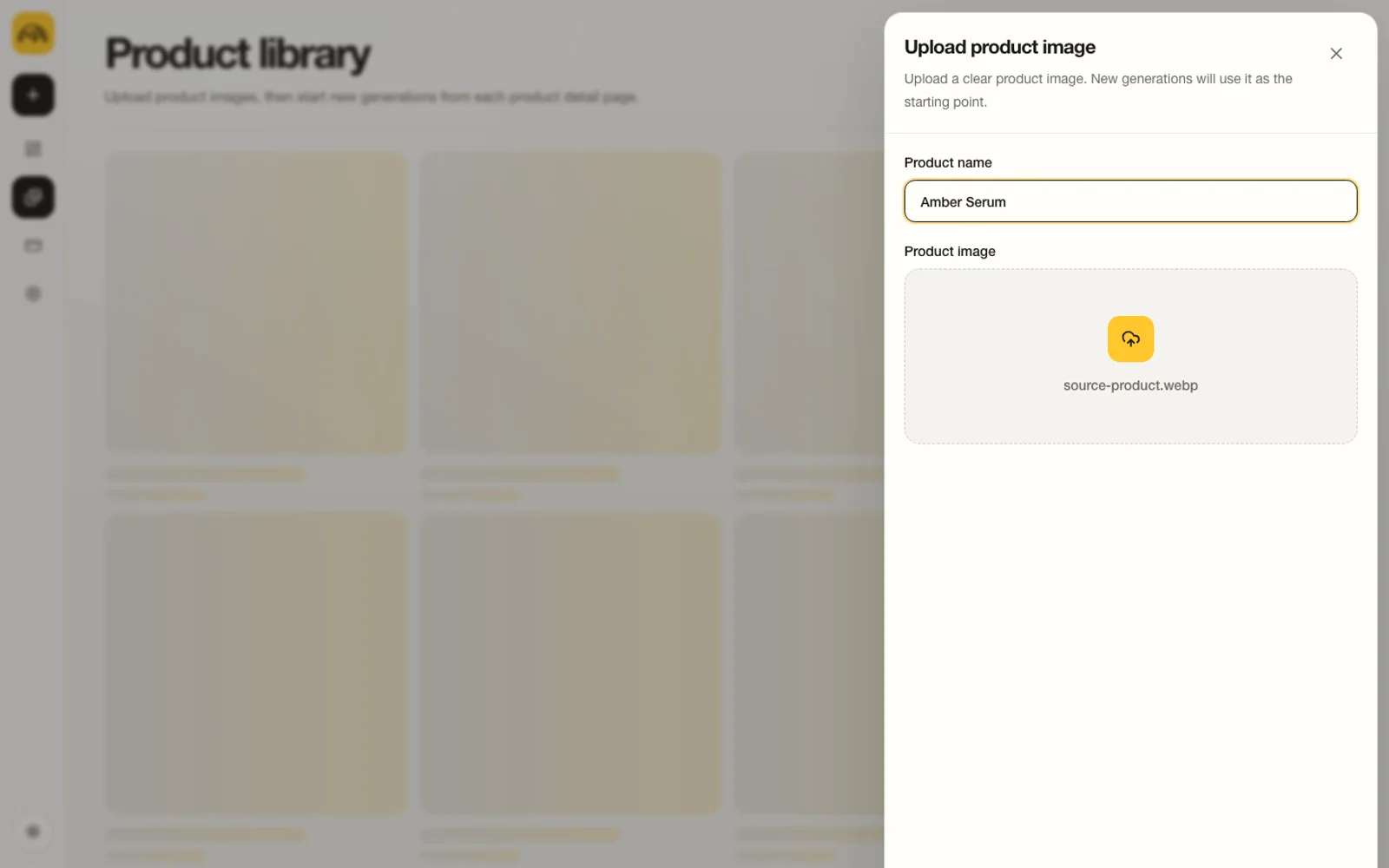
From product photo to launch kit
The flow stays direct: upload, configure, generate, compare, then expand into a full set of related assets.
Step 1
Upload one clean product photo
Create a reusable product record from the source image you already trust.
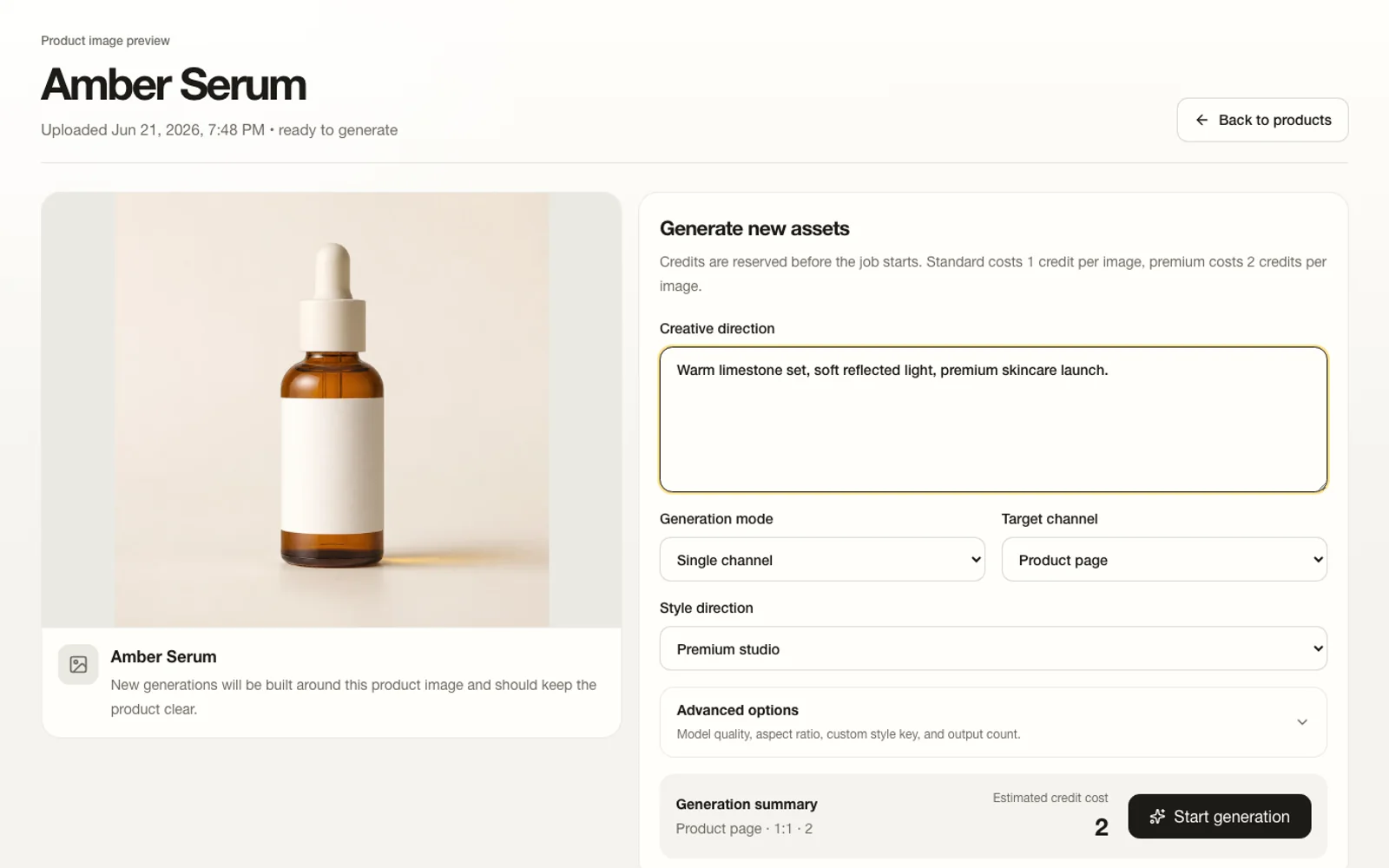
Step 2
Add product and launch context
Keep the product, target channel, and creative direction together before generation.
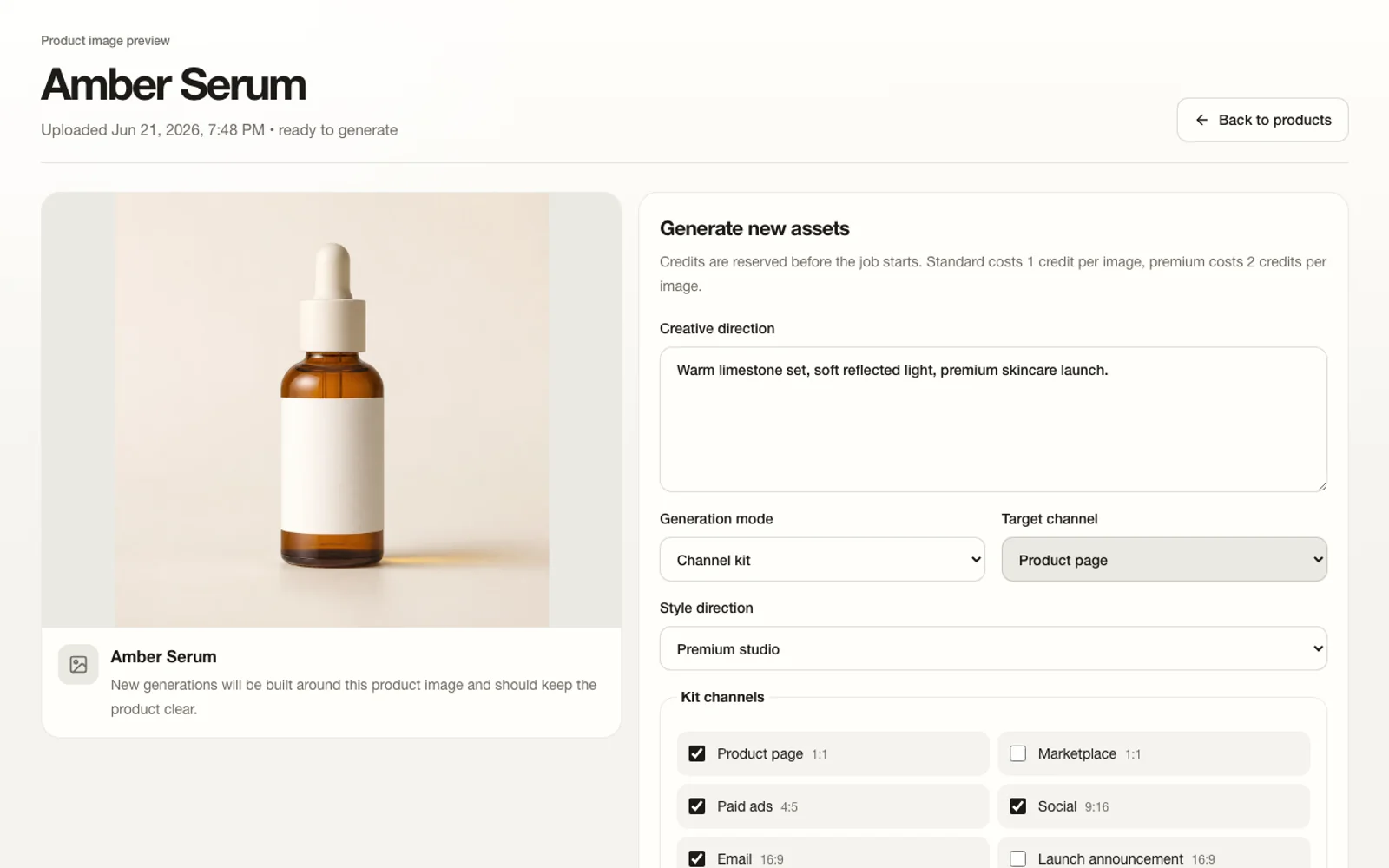
Step 3
Choose the scene direction
Set channel-kit outputs, framing, ratio, and generation options in the real workspace.
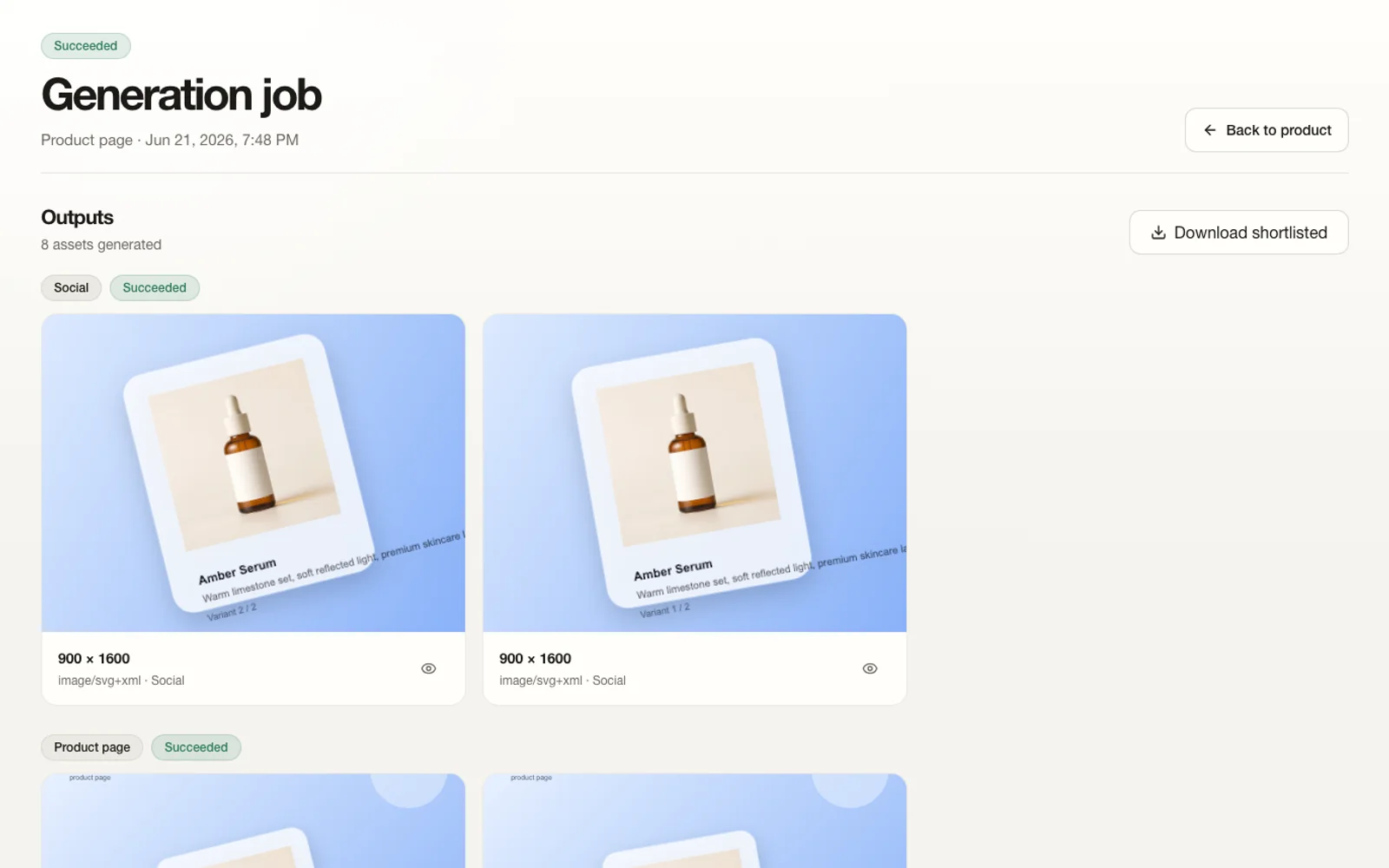
Step 4
Review the first results
Compare generated outputs in one place before deciding what should move forward.
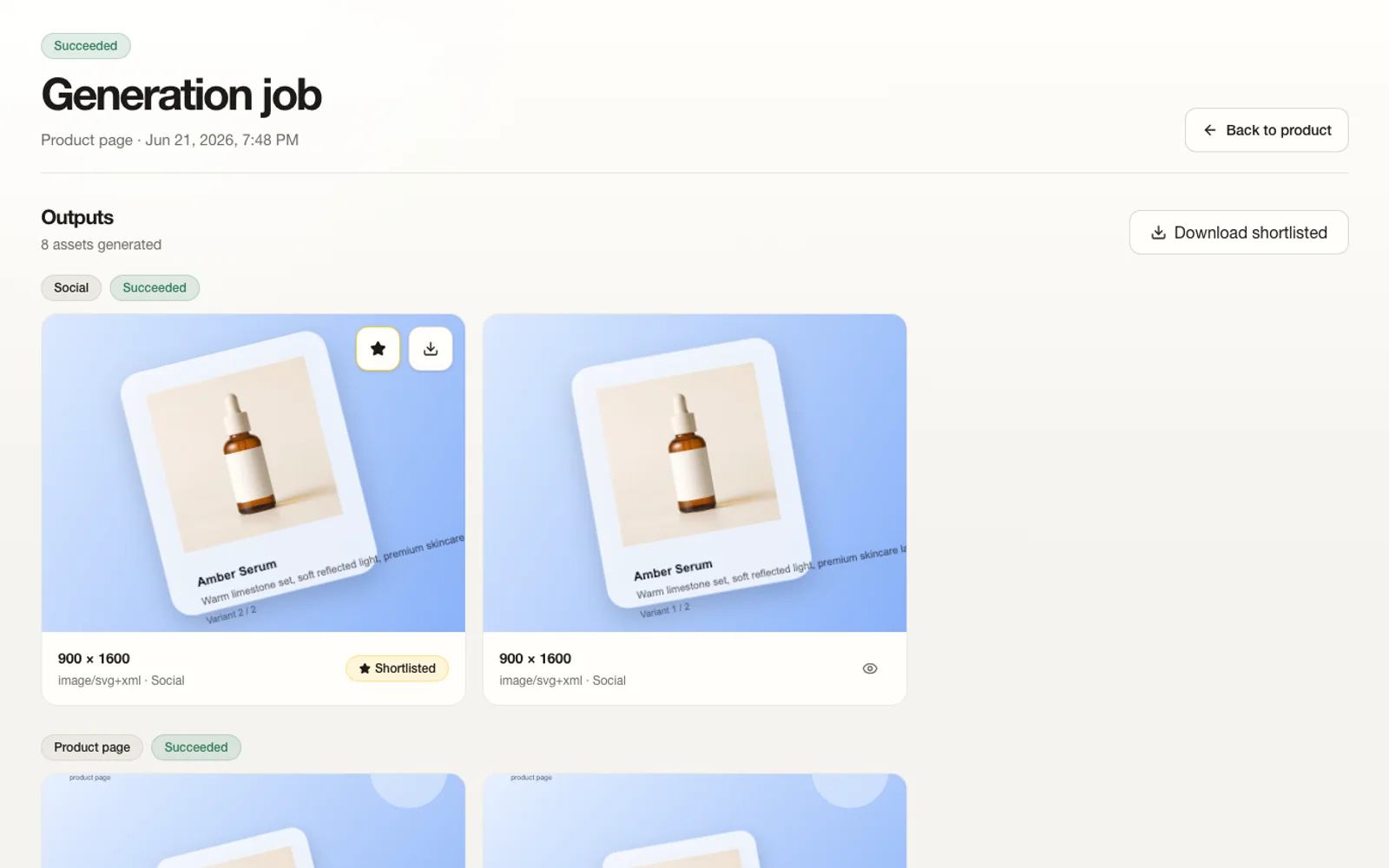
Step 5
Shortlist and export
Select the useful outputs and prepare the approved set for download.
The win is not only image generation. It is launch speed.
The value is that product, growth, and creative teams can keep one visual direction intact as more channels and product variants get involved.
Keep the same product language while changing scene context.
Adapt one direction into multiple launch surfaces quickly.
Review and approve stronger options before export.
Then let MoeArc turn it into a more useful set of channel assets.